How to Change Your Password in Anaconda AI Platform
Step 1: Access Your Account Menu
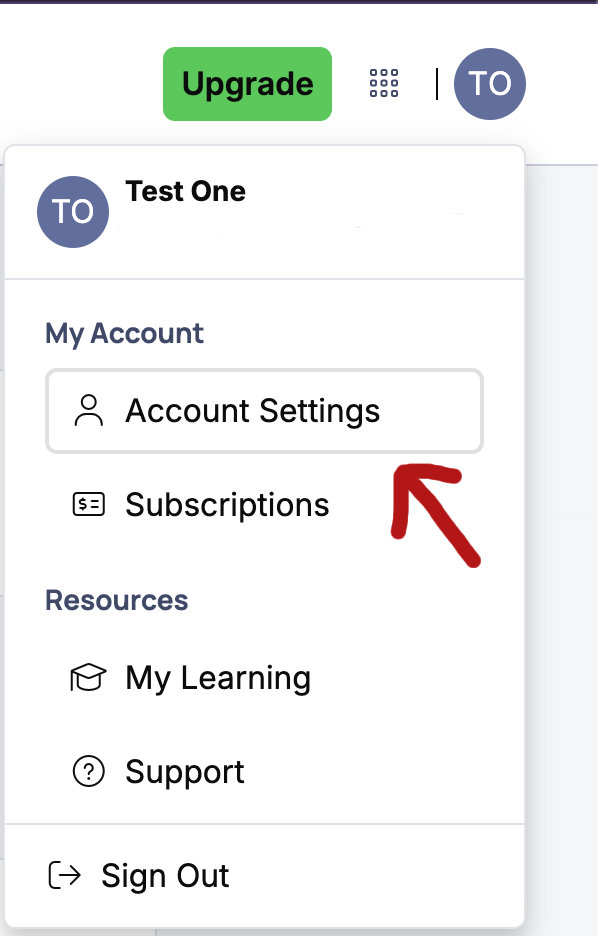
- In the top-right corner of the Anaconda interface, click on your profile icon (the circle with your initials)
- A dropdown menu will appear
Step 2: Navigate to Account Settings
- From the dropdown menu, click "Account Settings"
- This will take you to your account management page
Step 3: Access the Account Settings Tab
- You will be redirected to the "Account Settings" tab, then scroll to the bottom of the page
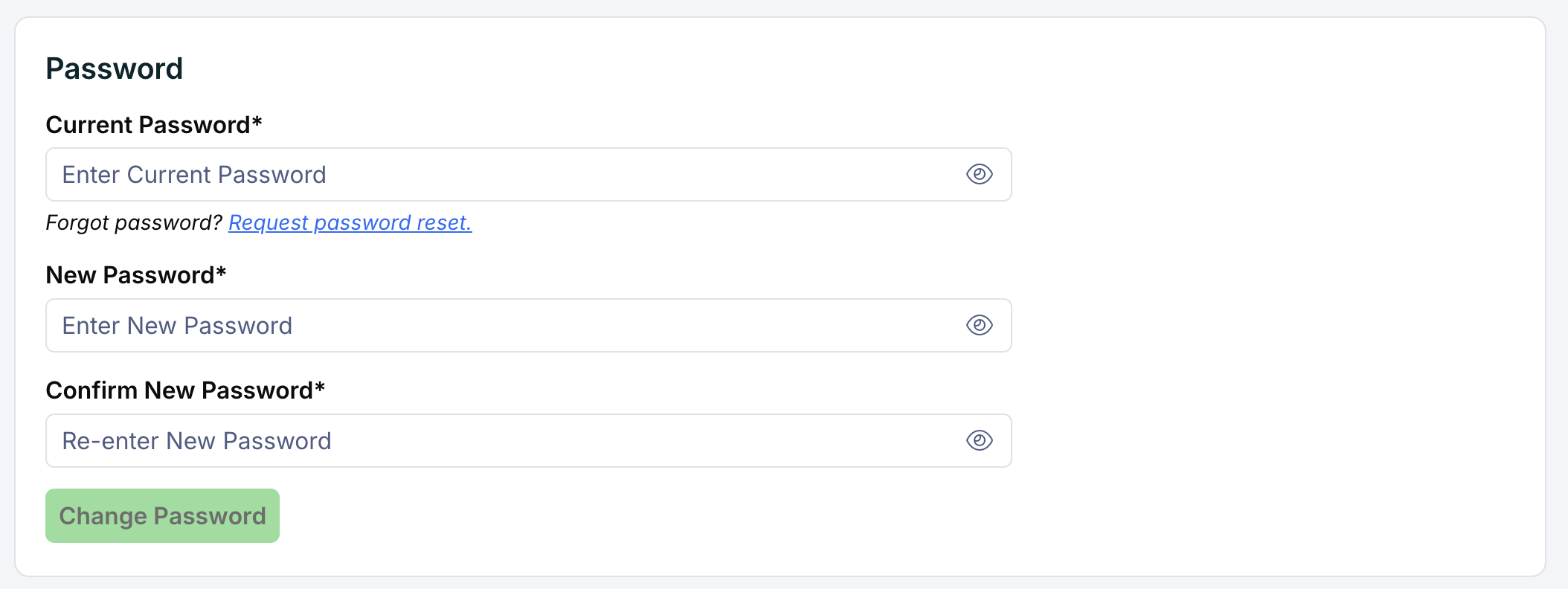
- Enter your current password and the new password, then click the " "Reset Password" button.